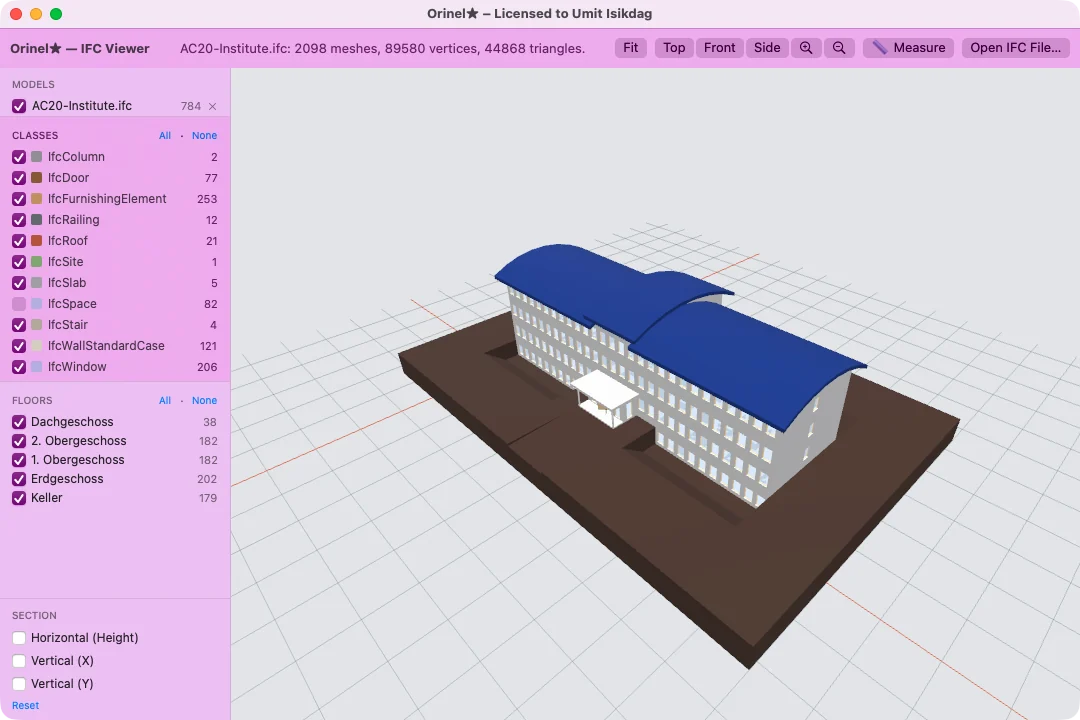
Shown: IFC Viewer on AC20-Institute
Tools in this app
IFC Viewer
Every IFCToolset Mini app is also a native macOS app — written in Swift for Apple silicon, with the same tools as on Windows.
The Mac apps are the Mini editions: every tool of every app, for the sample models used in the training.
The same apps and tools, limited to small models — the right size for learning with the sample models on this site.
Native Swift and SceneKit, not a web wrapper. Signed with an Apple Developer ID, notarized by Apple and sandboxed: an app can only read the files you choose, and nothing leaves your Mac.
Each screenshot is the released macOS Mini app working on a sample model from this site.
 IFC Viewer · 1 tool
A fast, clean viewer for IFC models: open one file or several, filter what you see, cut through the building and inspect any element.
Shown: IFC Viewer on AC20-Institute
 IFC Compressor · 1 tool
Shrinks IFC files without changing what they describe — and shows the compressed geometry right beside the log that produced it.
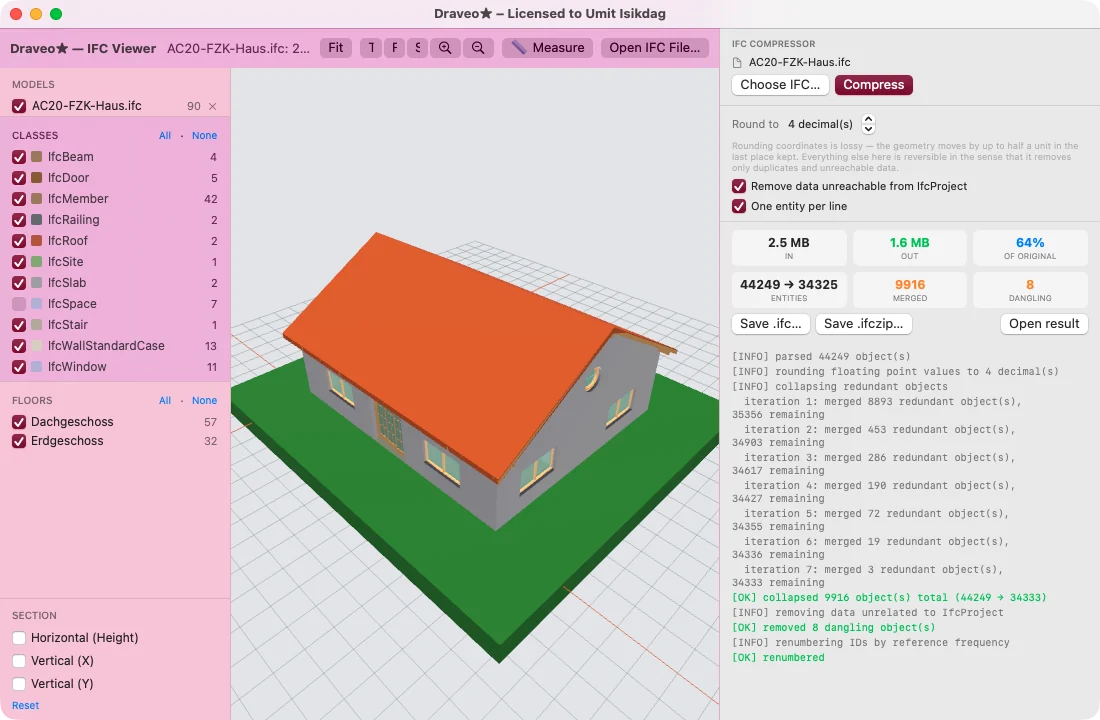
Shown: IFC Compressor on AC20-FZK-Haus
 Coordinate · schedule · review · 4 tools
Four coordination tools in one window: a viewer with chat and takeoff, clash detection, a 5D construction simulator and a BCF issue viewer.
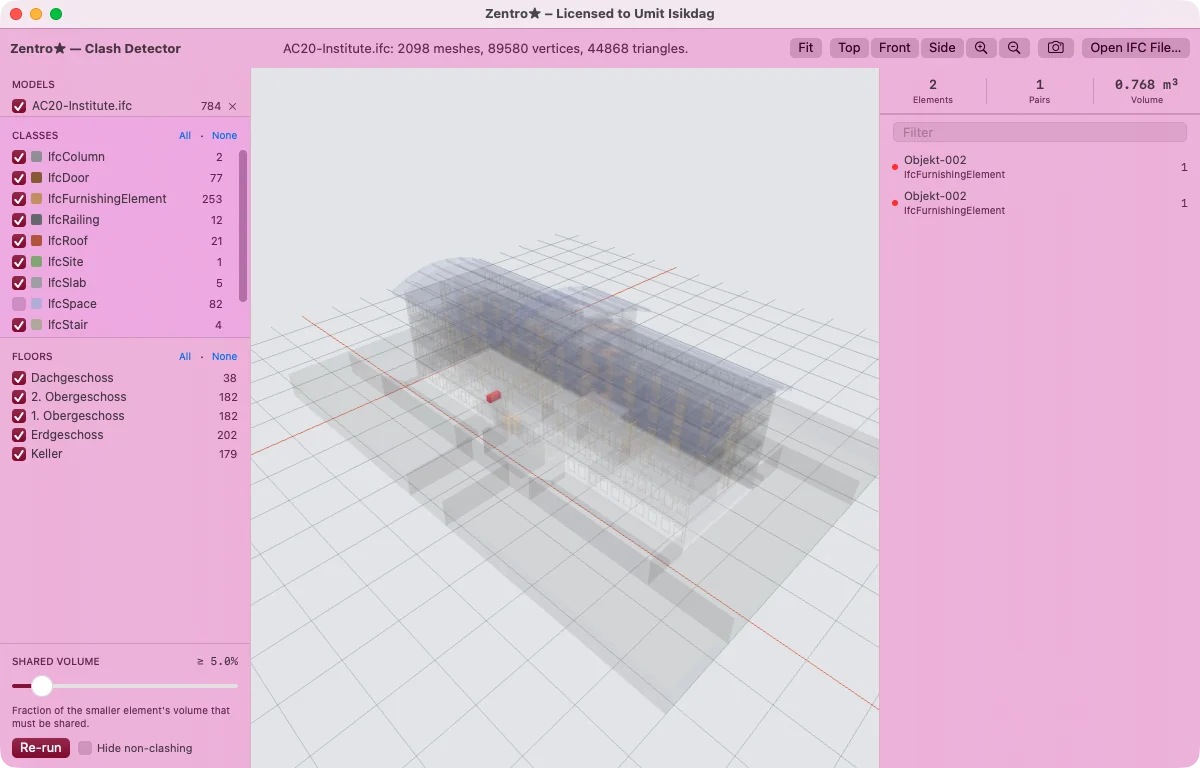
Shown: Clash Detector on AC20-Institute
 IDS authoring and validation · 2 tools
Write buildingSMART IDS 1.0 requirement files, then check models against them — with the answer painted on the building.
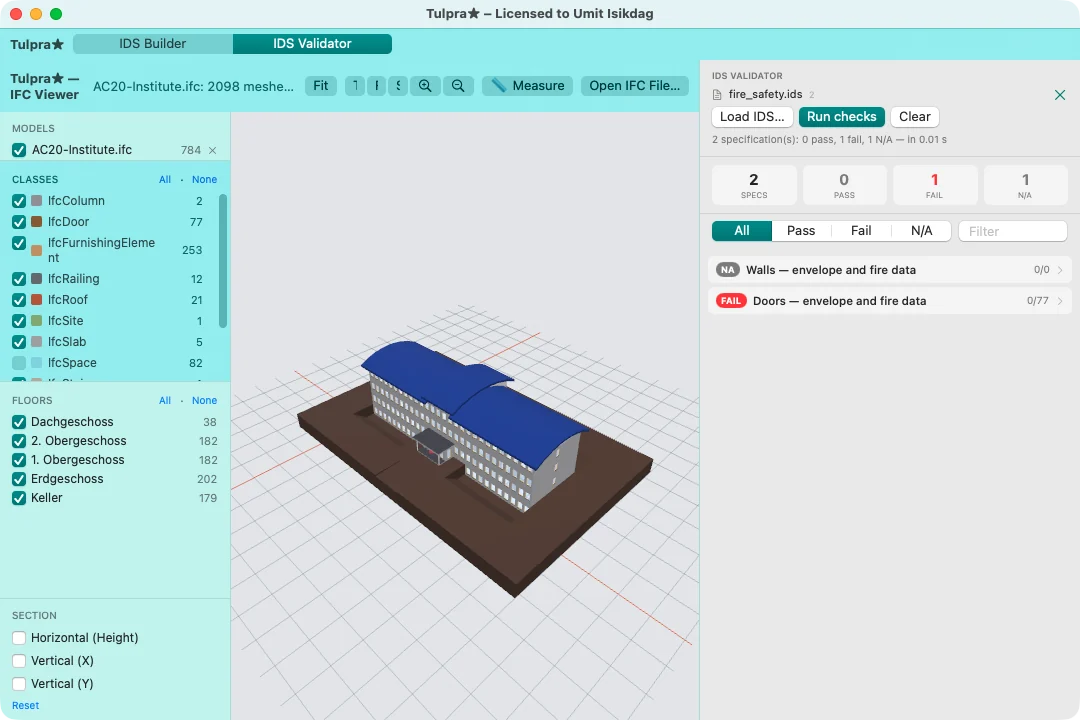
Shown: IDS Validator on AC20-Institute
 Model QA and facility data · 6 tools
Six tools for checking a model and connecting it to the data that runs the building.
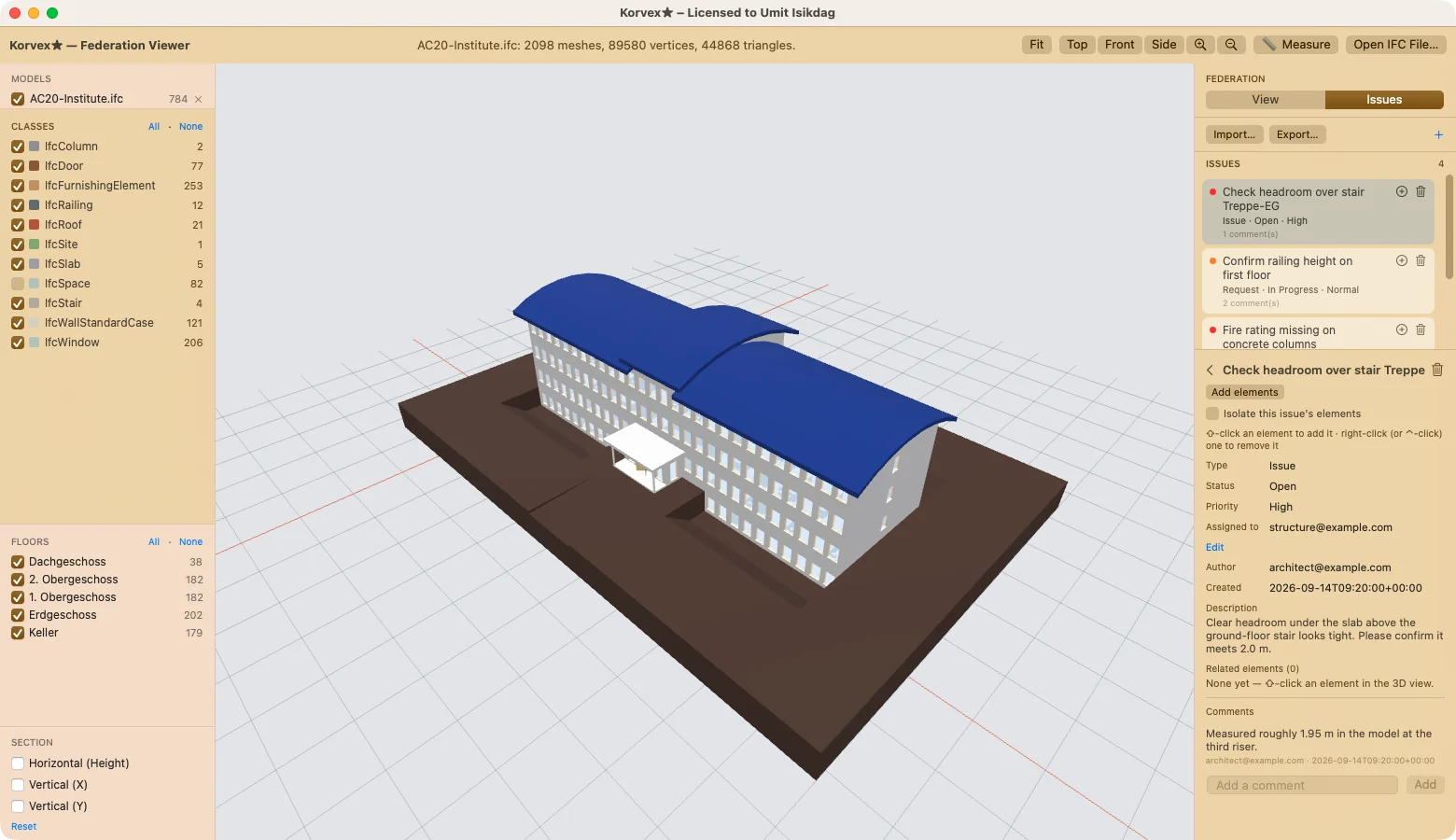
Shown: Federation Viewer on AC20-Institute
 Fire, energy, carbon and cost · 5 tools
Five checkers and calculators for safety, envelope performance, embodied carbon and cost.
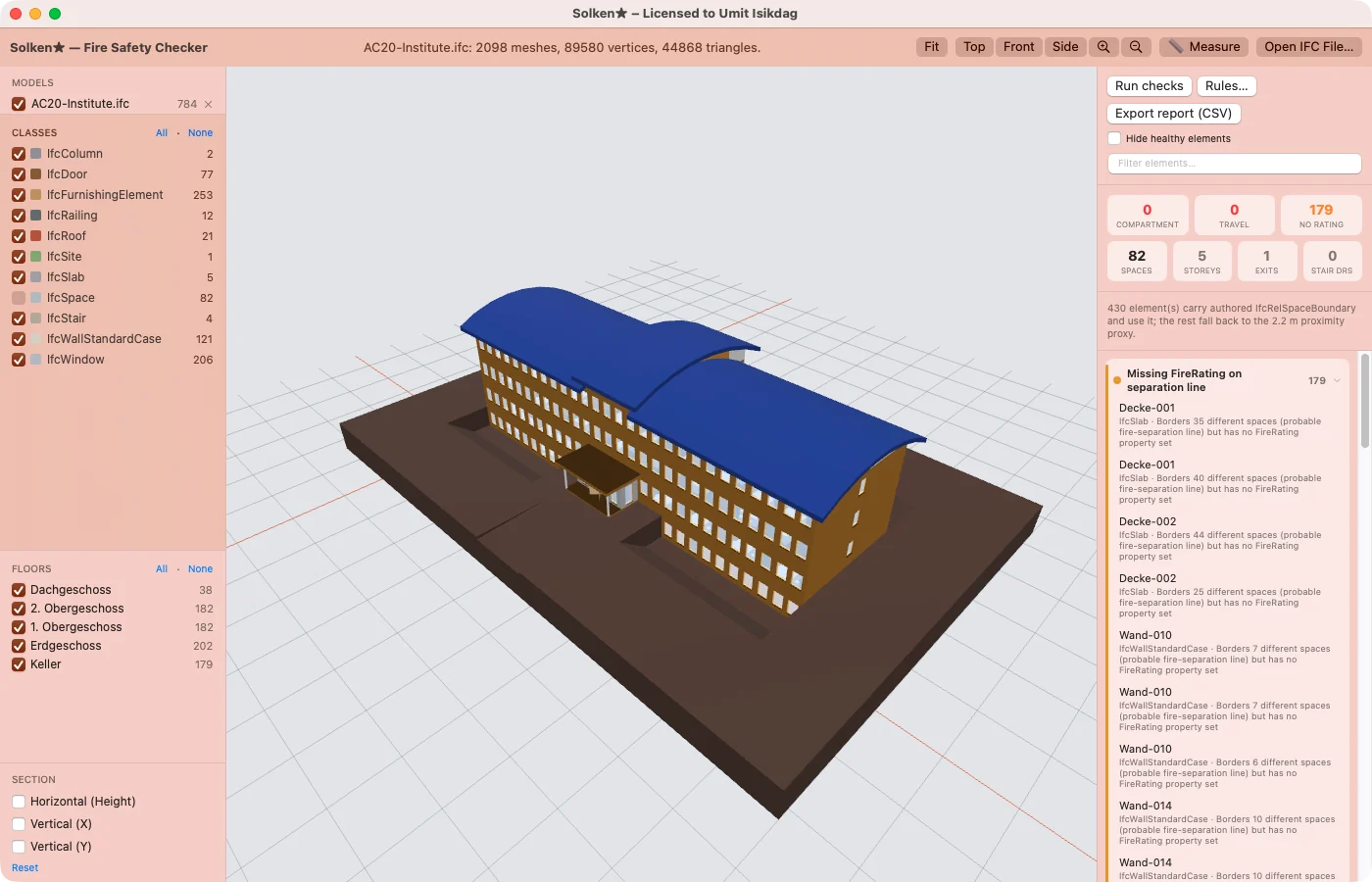
Shown: Fire Safety Checker on AC20-Institute
 Quantities, solar and versions · 5 tools
Five tools for costing, solar potential, space programs, version comparison and setting-out.
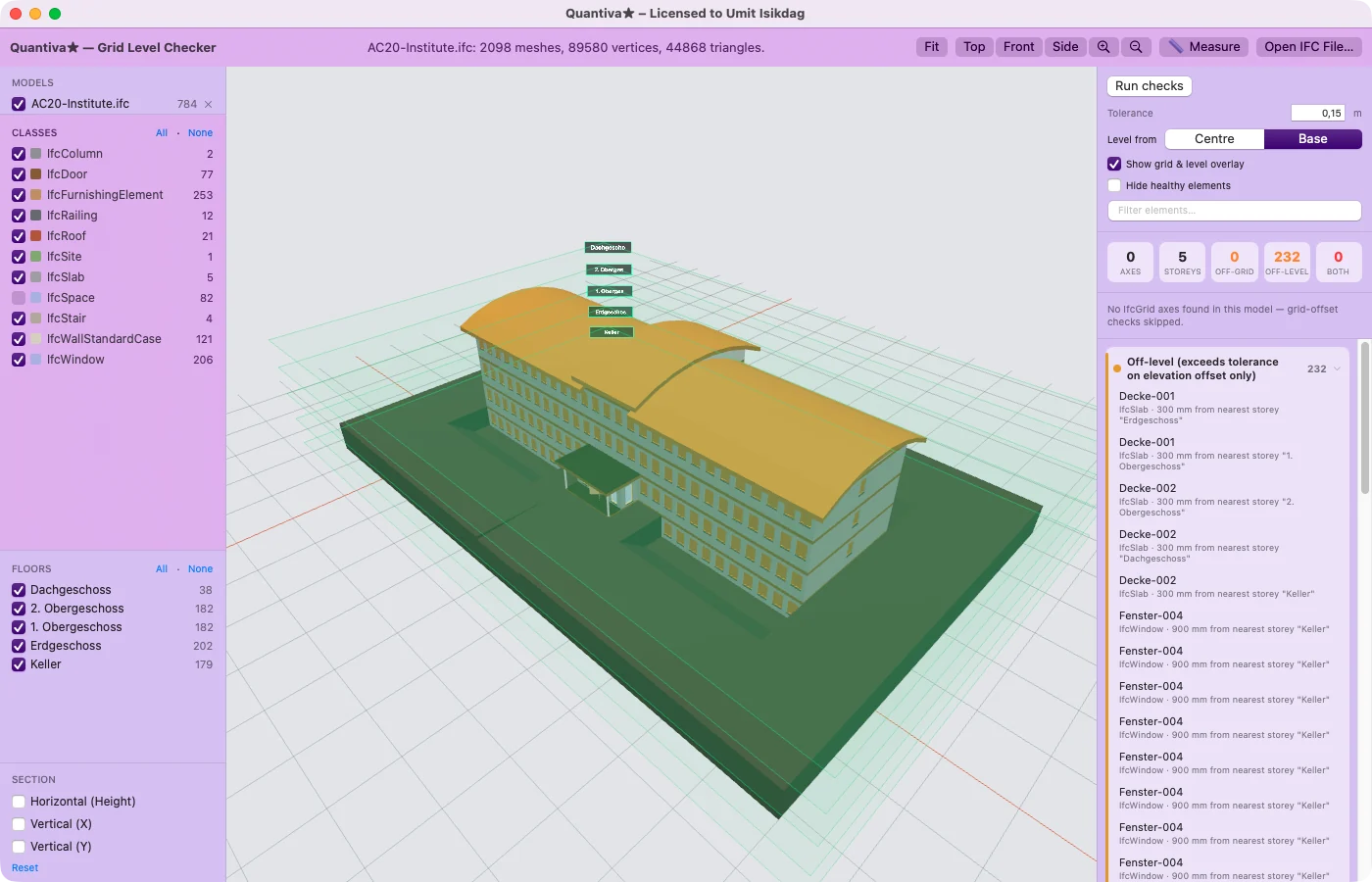
Shown: Grid Level Checker on AC20-Institute
 Building performance and egress · 6 tools
Six analysis tools for occupancy, escape routes, daylight, acoustics, MEP access and reinforcement.
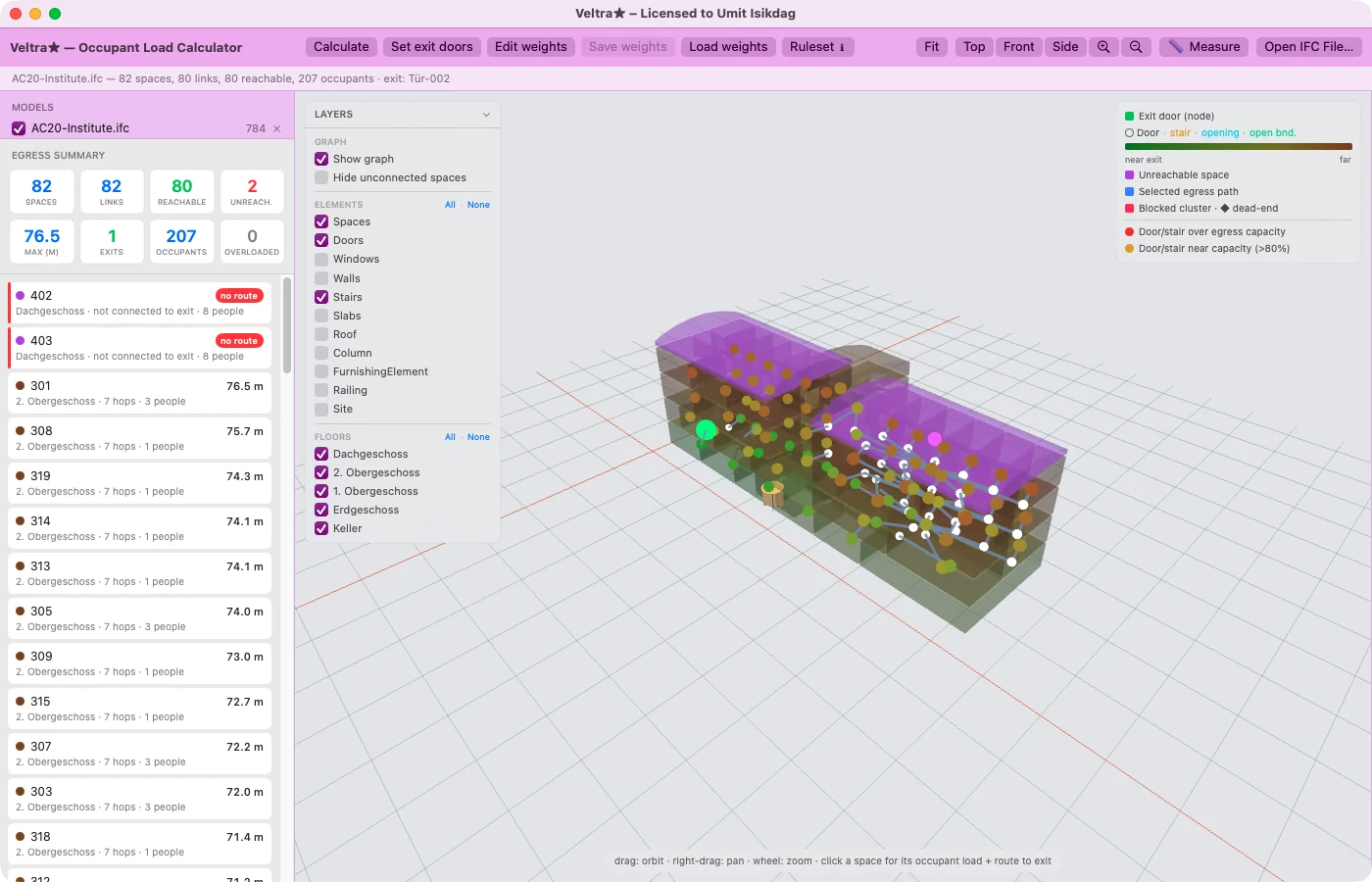
Shown: Occupant Load Calculator on AC20-Institute
The Mac apps are activated with a licence key for your own Mac. A key opens one app on one Mac until the date your instructor sets.
macOS 14 Sonoma or later on a Mac with Apple silicon (M1 or newer). No account, no upload, no cloud — your models never leave your Mac.